


Global wholesale trade moves fast. Your tools should too, and Grovara has you covered.
Grovara brings your entire wholesale operation into one mobile marketplace app, built for brands, broker-dealers, and buyers (B3B) who need speed, compliance, and confidence at global scale.
From the smart pallet building to documentation management, everything runs inside one unified AI-first system, now optimized for your phone.
Here is exactly how to install it and what you unlock when you do.
Step 1: Go to The Grovara Marketplace on Your Phone
→ Using your mobile browser on:
- iPhone
- Android
- Any smartphone
Visit:
→ https://platform.grovara.com/
At the top of the login screen, click where it says:
→ Install Grovara Mobile App
Grovara installs directly from your browser. No app store required.

Step 2: Tap the Share or Menu Button
→ After tapping install, look for:
• The Share icon on iPhone
• The three dots menu on Android or Chrome
The guided install screen will look like this:

→ Tap the Share or Menu button in your browser.
Step 3: Select “Add to Home Screen”
→ In the browser menu, scroll and tap:
Add to Home Screen
Depending on your device, it may appear directly or under “More.”
You may see guidance screens like these:

→ Click to confirm you were able to install the app.
→ You are done!
Step 4: Open Grovara from Your Home Screen
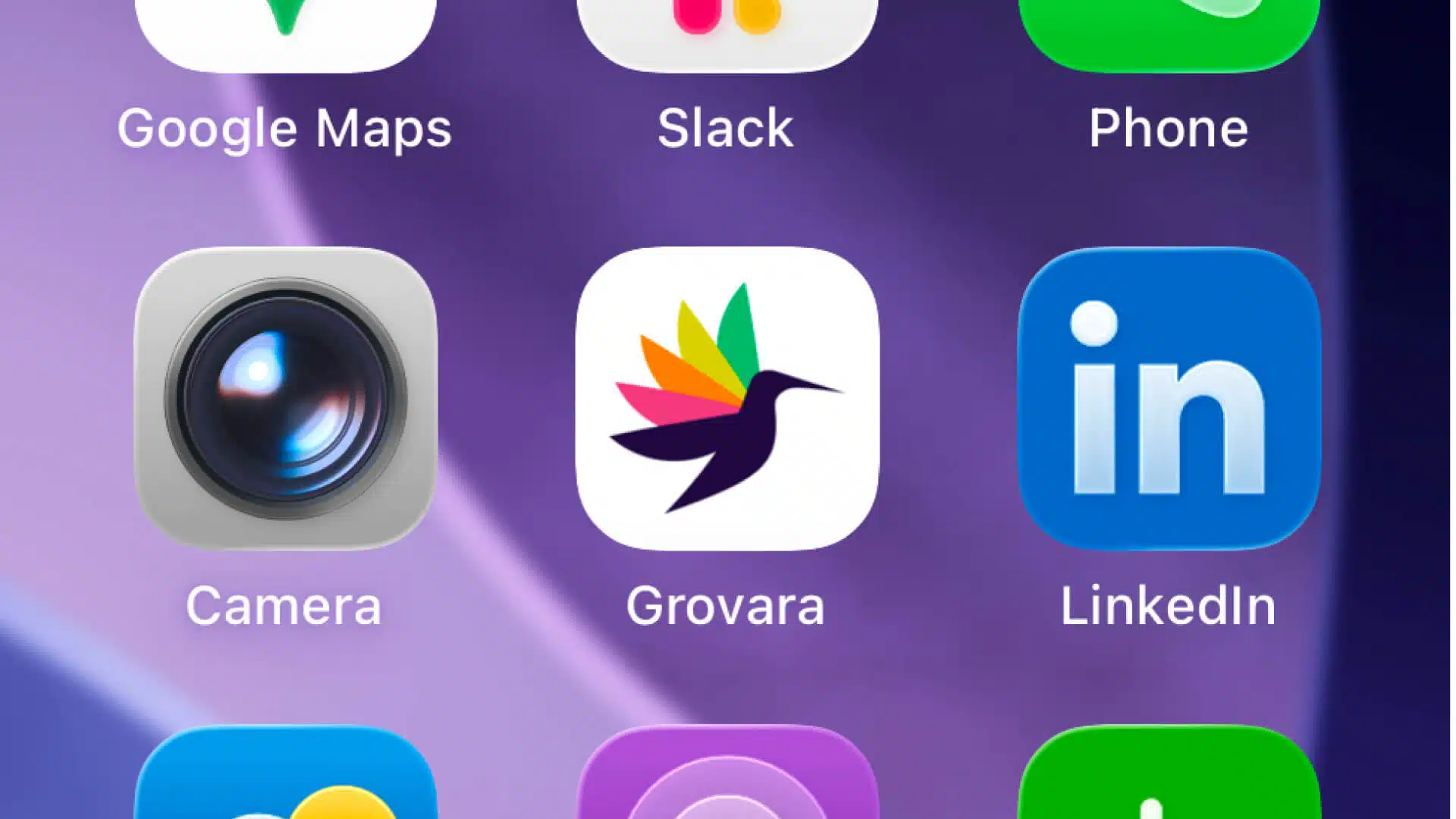
Once installed, Grovara functions like a native mobile marketplace app.
The experience is:
- Fast
- Easy
- Secure
- Fully synced with your desktop account
The login screen is secured behind an email-based two-factor authentication (2FA), no passwords required.
Everything in One Place, Now in Your Pocket
Grovara was built to become the digital storefront for global CPG wholesale trade.
That means when you install the mobile marketplace app, you get access to the same core features that power the desktop platform.
Why This Matters for B3B
If you are scaling internationally, you need:
- Faster deal flow
- Repeatable systems
- Transparent documentation
- Secure transactions
- Smart freight optimization
Grovara delivers all of that inside one unified platform.
And now you can manage it directly from your phone.
Download the Grovara Mobile Marketplace App Today
Global wholesale trade is moving faster, becoming more data-driven, more compliant, and more competitive.
Outdated workflows cannot keep up.
Grovara connects brands, broker-dealers, and buyers inside a vetted marketplace where pricing, documentation, pallet optimization, and deal flow operate seamlessly across borders.
This is B3B in action: not just transactions, but a connected trade ecosystem built for global scale.
If you are responsible for sourcing, distribution, or international growth, this is how you stay ahead.
Download the Grovara app now.
Reach out to the Grovara team to get started and start sourcing smarter directly from your phone.
Call us if you have any issues! USA #: 305-582-5643